
In twenty-five years of rebuilding websites, I keep getting asked the same question. Is the site still working? In 2026, that's harder to answer than it used to be. The bar moved fast. A site that was fine in 2023 is now costing you leads and rankings, and most owners can't see it because the page still loads and the phone still rings. The damage shows up in the lead that never came in, and the customer who bounced because your hero took six seconds to render in a parking lot with one bar of signal.
Most of the sites we rebuild belonged to people who thought they only needed a refresh. New colors, a fresh hero, maybe a fix on the contact form. Then we start the audit. The framework is past end-of-life, the Core Web Vitals are red across the board, the site is invisible to ChatGPT, and the CMS has thirty-eight plugins with four abandoned by their authors years ago. At that point, a refresh is paint on a cracked foundation.
This is the checklist we wish more owners had before signing off on cosmetic updates. Seven signs. Each of these is something you can check for yourself without hiring anyone, and each one on its own is enough to justify starting over. If two describe your site, the rebuild conversation is worth having now.

A slow, jumpy site used to just be an annoyance. In 2026 it will cost you money.
Sign 1. Your site is slow, jumpy, or unresponsive on a phone
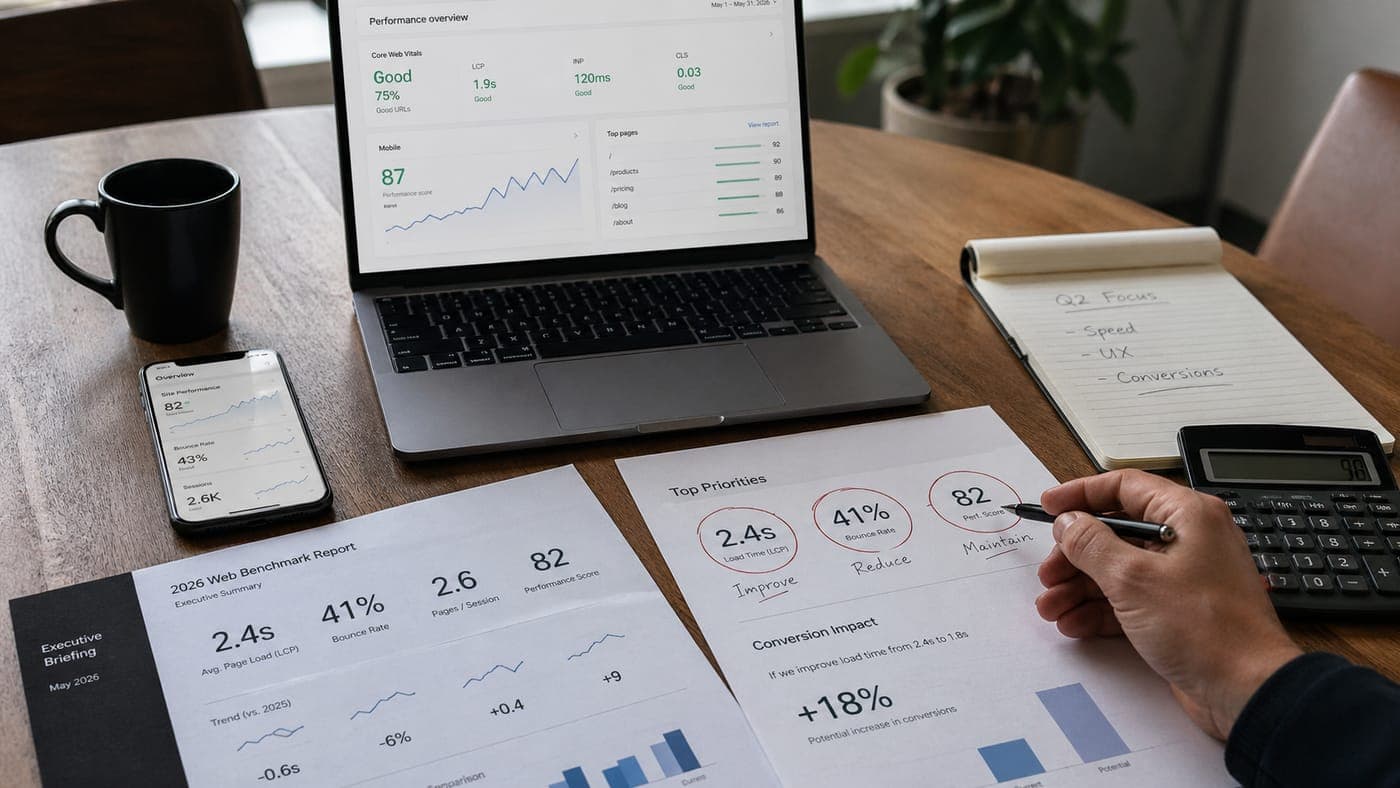
How fast your site loads impacts your bottom line. Google ranks on it, and buyers feel it. If your main content takes more than three seconds to show up on a phone, if the page takes half a second to respond when someone taps it, or if the layout jumps around as it loads, you are in Google's bottom tier.
A slow site is usually the result of decisions made five or six years ago. A WordPress page builder loading a ton of code before the main image appears. A video playing at full resolution on a phone. A theme loading every font weight under the sun. You can patch one of those. Patching all of them on a foundation that was never built for speed is the long way around.
53%
of mobile visits are abandoned when a page takes longer than three seconds to load.
Run your homepage through Google's free speed test on a phone. If any of the scores come back red, your site is costing you buyers every day you leave it alone. A site rebuilt on a modern foundation usually passes on the first try.
The site that was fine in 2023 is now the reason your leads dropped this year.
Sign 2. You're invisible to AI search
Three years ago this sign didn't exist. Now everyone is talking about it. Open ChatGPT or Claude and type the question your customers ask when they're looking for you. Best commercial roofer in Tulsa. Family law attorney that handles custody. If your business isn't named in the answer, you're invisible to a fast-growing share of customers who are ready to buy.
Pew's July 2025 research found that AI summaries now appear on roughly 18% of Google searches, and when one appears, users click through to a traditional result on only 8% of visits (down from 15% without the summary). Ahrefs data from late 2025 found AI Overviews cut clicks to the top organic result by as much as 58%. The research-stage traffic that used to land on your site now ends at the summary.

AI answers cite their sources. Your name belongs in that list.
AI tools don't 'crawl' the web the way Google did in 2018. They reward sites that are organized around direct answers, with clear headings and sentences an AI can quote as written. They punish sites that bury the answer under marketing copy or hide it inside code. Most WordPress builds fail on all those fronts.
This is a foundation fix, not a content one. A site built the right way puts the answer in the page itself, in plain HTML, where an AI can read it without wrestling with code. Your About page and your Contact page should read like a customer asked, and you answered. Sites built this way show up in AI answers more often every month. Sites that skip the foundation keep losing ground, and the owner usually notices too late.
Key Takeaway
Run the test today. Ask ChatGPT and Perplexity the five queries you most want to win. If your business isn't in the answer, you aren't competing for that traffic.
Sign 3. Your site was built desktop first
Traffic from mobile devices represents more than 50% of website traffic in 2026. For local service businesses and anything someone searches for from their car, the percentage is higher. Yet more than half of the sites we audit were designed on a 27" monitor and then squeezed down to a phone as an afterthought. The main headline becomes unreadable on a small screen, and buttons so small a child's thumb couldn't click them!
Responsive design supposedly solved this a decade ago. In reality, a responsive theme on top of a desktop-first layout is a desktop layout that happens to fit on a smaller screen. A mobile-first rebuild starts the design process on a phone, with type sized for thumb scrolling and the main call-to-action reachable one-handed. Images are shot and cropped for a vertical screen, not scaled down from a wide desktop photo. The two approaches produce different sites, and they behave differently on a real phone, in the hands of a real customer.
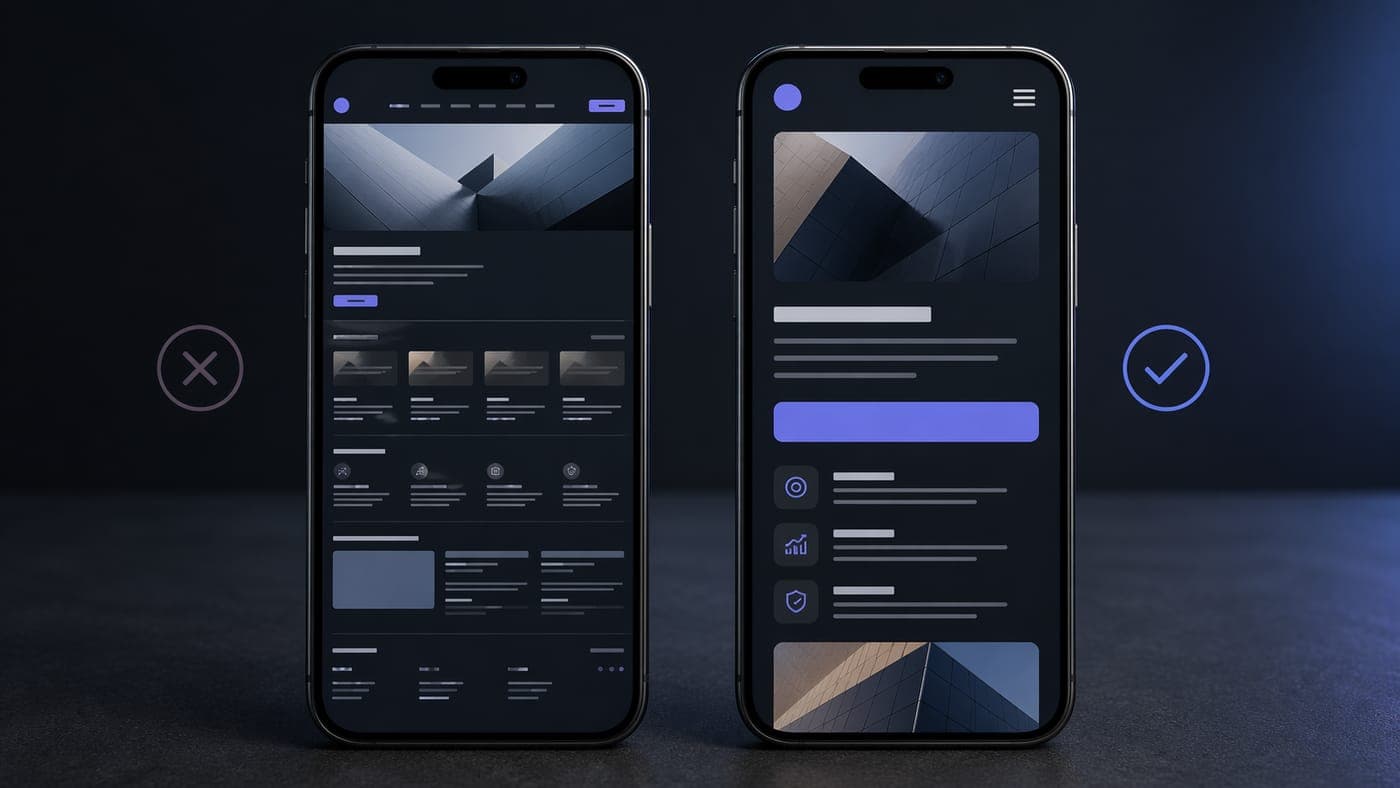
Same content, two design starting points. The mobile-first build wins on every metric we measure.
Sign 4. You're carrying accessibility lawsuit risk
The legal risk has tightened since 2022. The DOJ's updated guidance confirms the ADA applies to websites and mobile apps, and small businesses are the softest targets because they're cheaper to settle with than to litigate. Per the Seyfarth Shaw ADA Title III Report, federal website accessibility lawsuits hit 3,117 filings in 2025, a 27% increase over 2024, and they now account for more than a third of all ADA Title III federal cases.
The U.S. accessibility standards that websites are expected to meet (what ADA lawsuits get filed over when a site falls short) aren't complicated. Every image needs a short text description, or nothing if the image is just decoration. Text needs enough contrast to read against its background. Buttons, menus, and forms have to work for someone using a keyboard instead of a mouse. Every form field needs a label. Videos need captions. Most small business sites fail half of these before you get past the homepage.
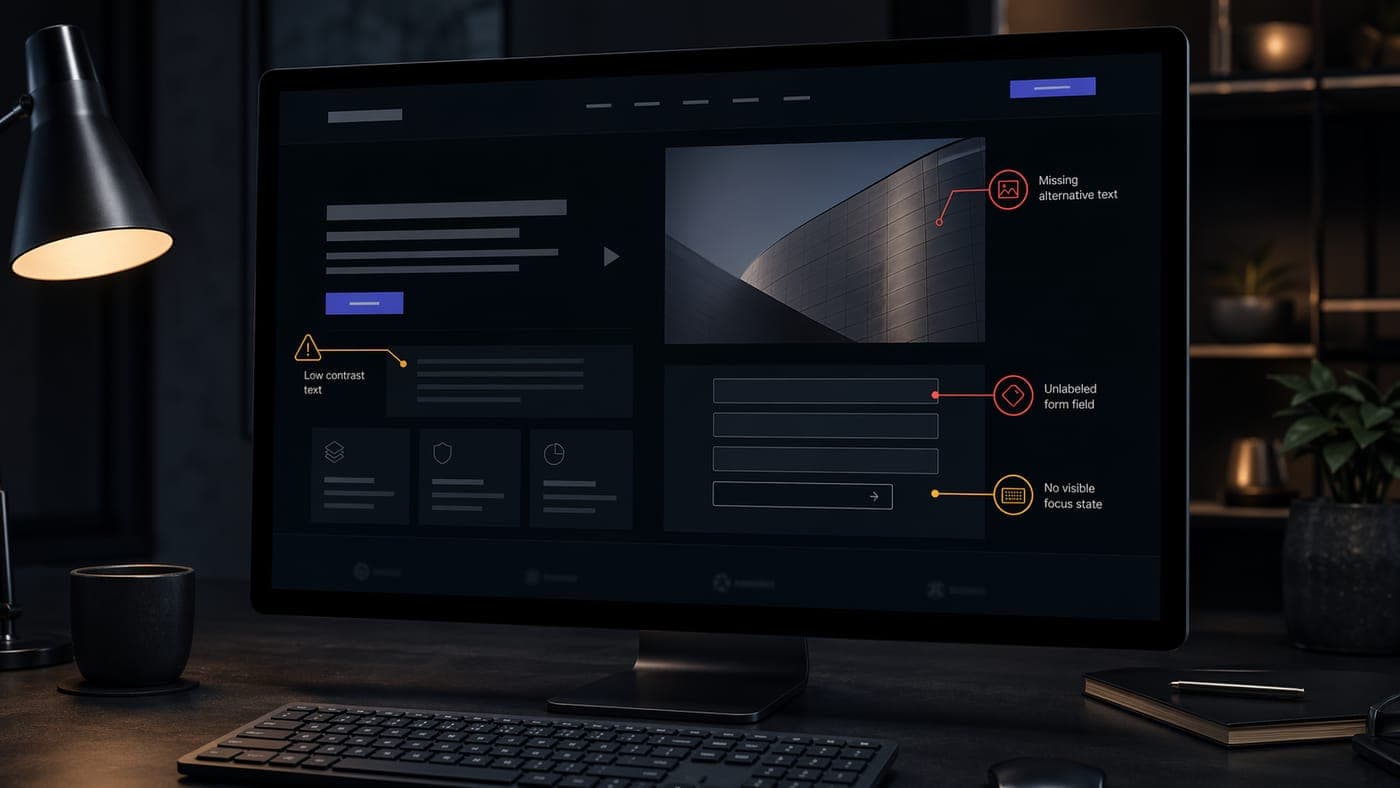
Most accessibility failures are baked into the theme or page builder, not the content.
Accessibility can't be bolted on after the fact. The overlay widgets that promise instant ADA compliance were the subject of a $1M FTC settlement against accessiBe for deceptive claims, and they've failed to hold up in court. Accessibility has to be built into the foundation. Sites built the right way start most of the way there. WordPress and Squarespace sites on aging templates start in a hole. If a free accessibility checker flags dozens of issues on your homepage, you are exposed.
The FTC settled with accessiBe for $1M over overlay widgets that claimed instant ADA compliance. They don't cure the underlying violations.
Sign 5. Visitors can't get an answer without filling out a form
The contact form was the lead-capture engine of the 2010s. In 2026 it's a barrier. A buyer doing research doesn't want to fill out twelve fields and wait a day to find out whether you even serve their zip code. They want an answer right now, the same way ChatGPT gives them one. If the only way to get an answer on your site is to fill out a form, you are losing the people who won't fill one out. That share grows every year.
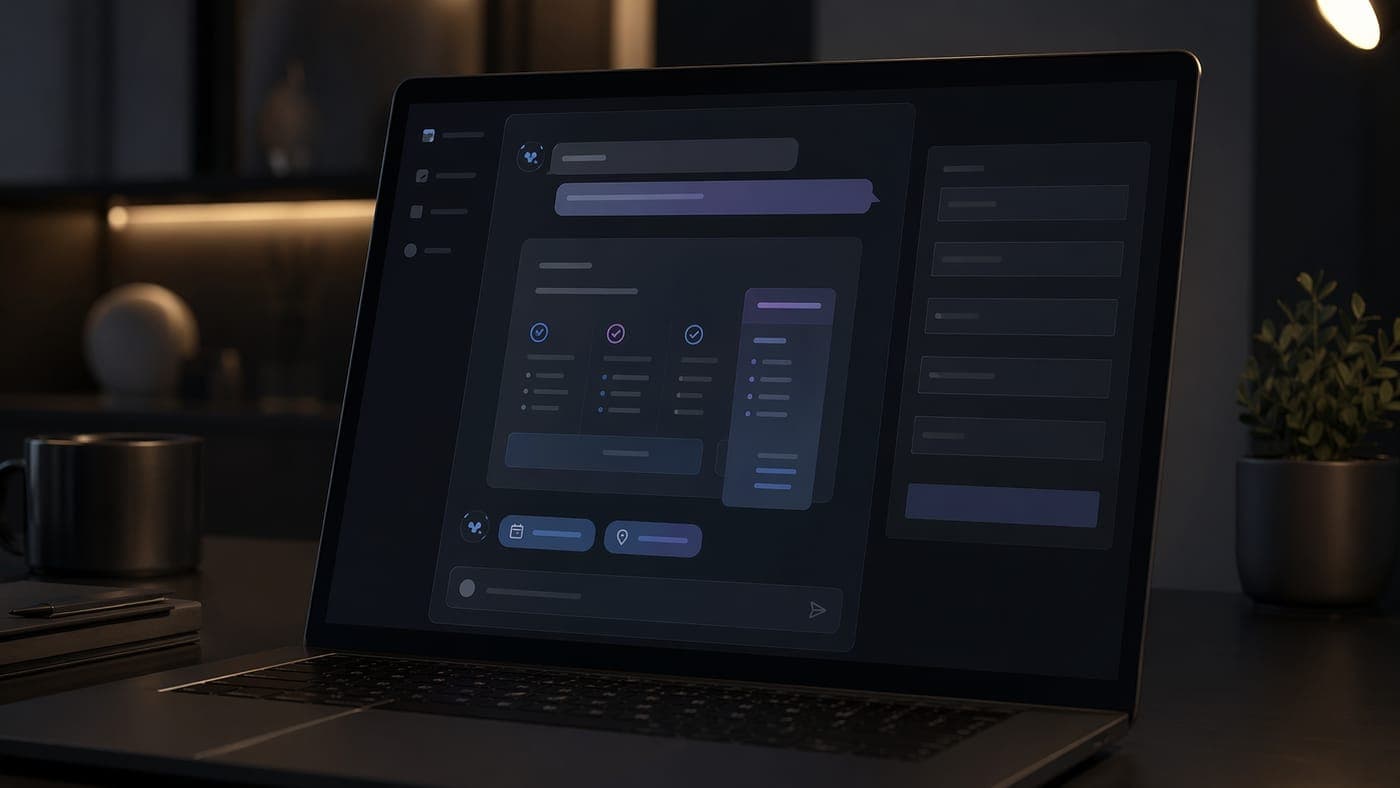
A good assistant answers easy questions and routes serious leads to a human.
A good site gives visitors a path from question to answer. A search that actually works. An AI assistant that knows your services and the zip codes you will drive to. A pricing tool that doesn't demand an email first. A calendar that lets a serious buyer book themselves in. The goal is to close the gap between what the visitor wants to know and what the site can tell them right now. A newsletter pop-up doesn't count.
Most older website platforms can't support this kind of feature. They can't run the live connection to an AI model, and they can't handle the privacy and consent handling a real assistant needs. A modern site treats the assistant as a built-in part of the site, the same way it treats the shopping cart or the contact database.
Sign 6. The site no longer reflects who you are
Brand drift is the slowest sign, and the easiest to miss. The site was right when it launched. Then the services changed, and a line of business that mattered three years ago got sunset. The hero photo is from 2021, and the team page lists three people who left two years ago. Your visitor forms an impression of a company that doesn't exist anymore.
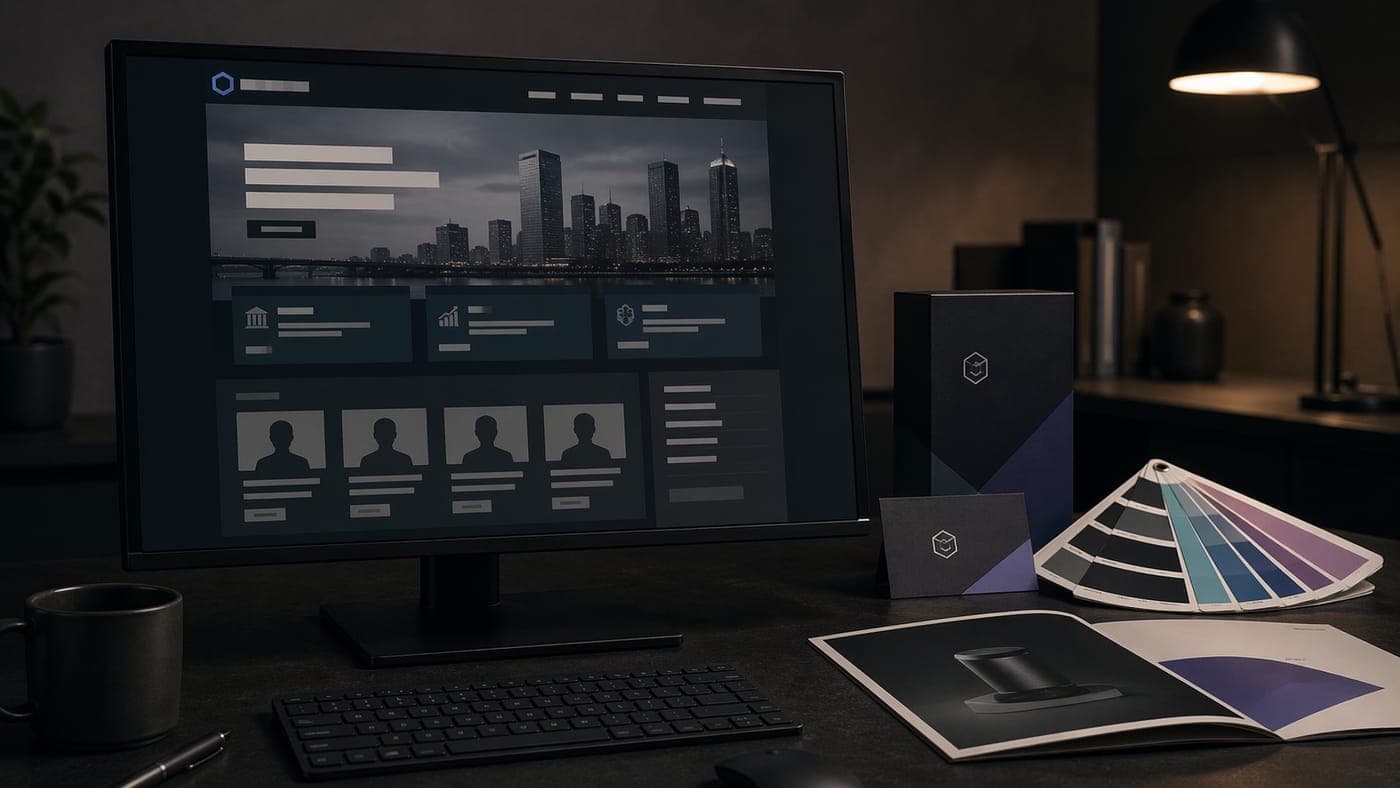
Brand drift is invisible from the inside. Your buyers see it on the first scroll.
Run a thirty-second test. If a buyer had never heard of you and landed on your homepage for half a minute, would they understand what you do and what to do next? If answering that requires an explanation (well, we used to do that but now we focus on this), the site is misrepresenting the business. A refresh on top of a misaligned story gives you a more polished version of the wrong message. A rebuild lets you start from a fresh brief, not from the constraints of a five-year-old sitemap.
Key Takeaway
Brand drift compounds every month you don't address it. The longer you wait, the more buyers walk away thinking your business is something other than what it is.
Sign 7. Your CMS is a plugin graveyard
Most legacy small business sites run on WordPress, and most of those have collected anywhere from twenty to fifty plugins over the years. I've inherited dozens of sites shaped this way. Each plugin solved a problem when it was added, and each one became a permanent dependency. By the time we audit these sites, the original developer is usually gone, the license keys live in someone's old Gmail, a handful of plugins haven't been updated in more than a year, and at least one has been abandoned by its author entirely. The admin takes forever to load. Every WordPress core update is a held breath.
96%
of new WordPress vulnerabilities disclosed in 2024 were uncovered in plugins. Themes accounted for the other 4%.
Plugin sprawl is a security problem and a speed problem at the same time. Every plugin runs on every page your visitor loads, and every abandoned plugin is an open door for hackers. Some of the worst sites we have inherited got to a stable, fast version by rebuilding from scratch in less time than it would have taken to clean them up.
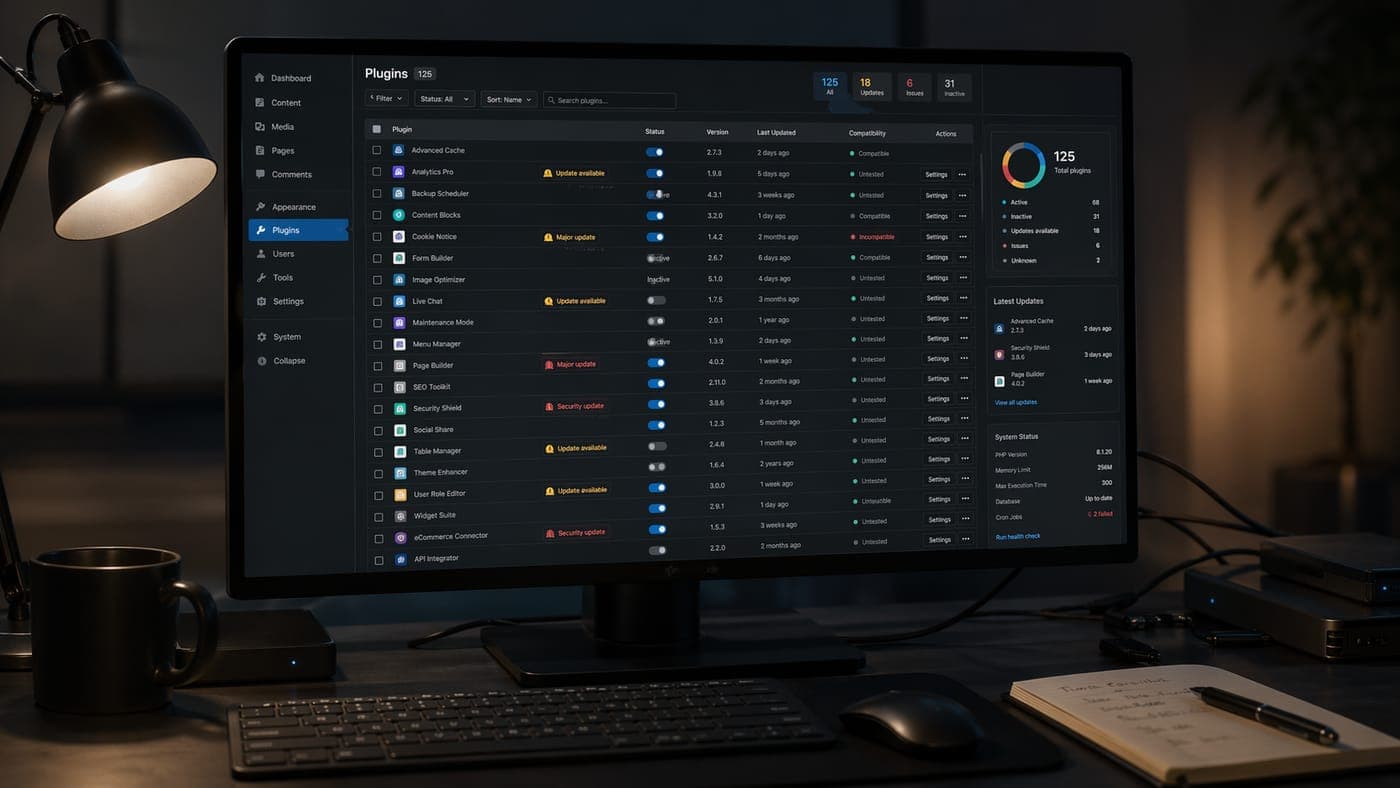
A typical legacy admin we inherit: dozens of plugins, none of them documented.
Modern stacks replace most of the plugin layer with first-party components and a small number of vetted libraries. The dependency tree is visible and pinned. Security patches become routine instead of heroic. The total cost of ownership over five years runs lower than the cost of maintaining the sprawl.
The rebuild took less time than the cleanup would have.
Rebuild vs refresh: how to make the call
Not every problem on this list demands a full rebuild. When I walk a client through the decision, we talk about three things. The cost ratio, the complexity of the fix, and the opportunity cost of waiting.
The cost ratio is the simplest number. If the total to fix the issues in place comes out to more than sixty percent of the cost to rebuild from scratch, rebuild. The math usually favors the rebuild once you account for compatibility risk and ongoing maintenance. Complexity is the less obvious one. When the failing systems are tangled together (performance is bad because the theme is bloated because the page builder is locked in), patching one piece without breaking another becomes its own project, on its own budget, with its own timeline.
Opportunity cost is the one owners overlook. Every month a failing site runs costs you revenue you don't get back, whether the symptom is AI invisibility or accessibility exposure. A six-month refresh while the underlying problems compound tends to cost more in total than a three-month rebuild, once the invoices are totaled.
The exception is the site that hits one sign and no more. A few Core Web Vitals issues traced to image weights, or a hero that needs a strategic refresh on an otherwise-sound architecture. Those are refresh territory, and a good agency will tell you so. The sign that pushes a project from refresh to rebuild is usually the combination. The foundation won't hold what you're trying to build next.
What to do right now
Run the diagnostic yourself before you talk to anyone about a project. Every one of these seven is something you can check for yourself, without hiring anyone. Start with PageSpeed Insights on mobile, then open your site on a phone in a parking lot with one bar of signal and try to get a price answer without filling out a form. Run an axe DevTools scan and type the query your customers use to find you into ChatGPT. Twenty minutes of that will tell you most of what an outside audit would, without requiring a sales call.
Live Rebuild Diagnostic
Run the same check we start every audit with.
Paste your URL. We pull real Core Web Vitals from Google, detect your platform, and flag the three rebuild signs we can see from the outside. No form. No email. Real numbers.
If three or more signs look serious after you run the diagnostic, the next step is a scoping conversation, not a sales call. A good agency will tell you which signs call for a rebuild in your situation and what the cost and timeline look like for each path. We do this conversation for free, and we walk away from work that doesn't need to be done.
The mistake we see most often in 2026 is the half-measure. The owner knows the site is struggling, agrees to a refresh, spends fifteen thousand dollars on cosmetic improvements, and ends up in the same position twelve months later. These signs come from the foundation, not from the paint. A rebuild is how you replace the foundation. If two or more signs on this list describe your site, the rebuild conversation is the one to have.
Key Takeaway
A refresh hides problems. A rebuild fixes them. If two or more of these seven signs describe your site, you already know the answer. The question is how much longer you want to keep paying for the site you have.
Ready to harness AI for your business?
Let's Build Something
That Actually Works
We've been building websites for 25+ years. Now we build them with AI. Faster, smarter, and more capable than ever.
Free consultation · No obligation · Real humans (augmented by AI)